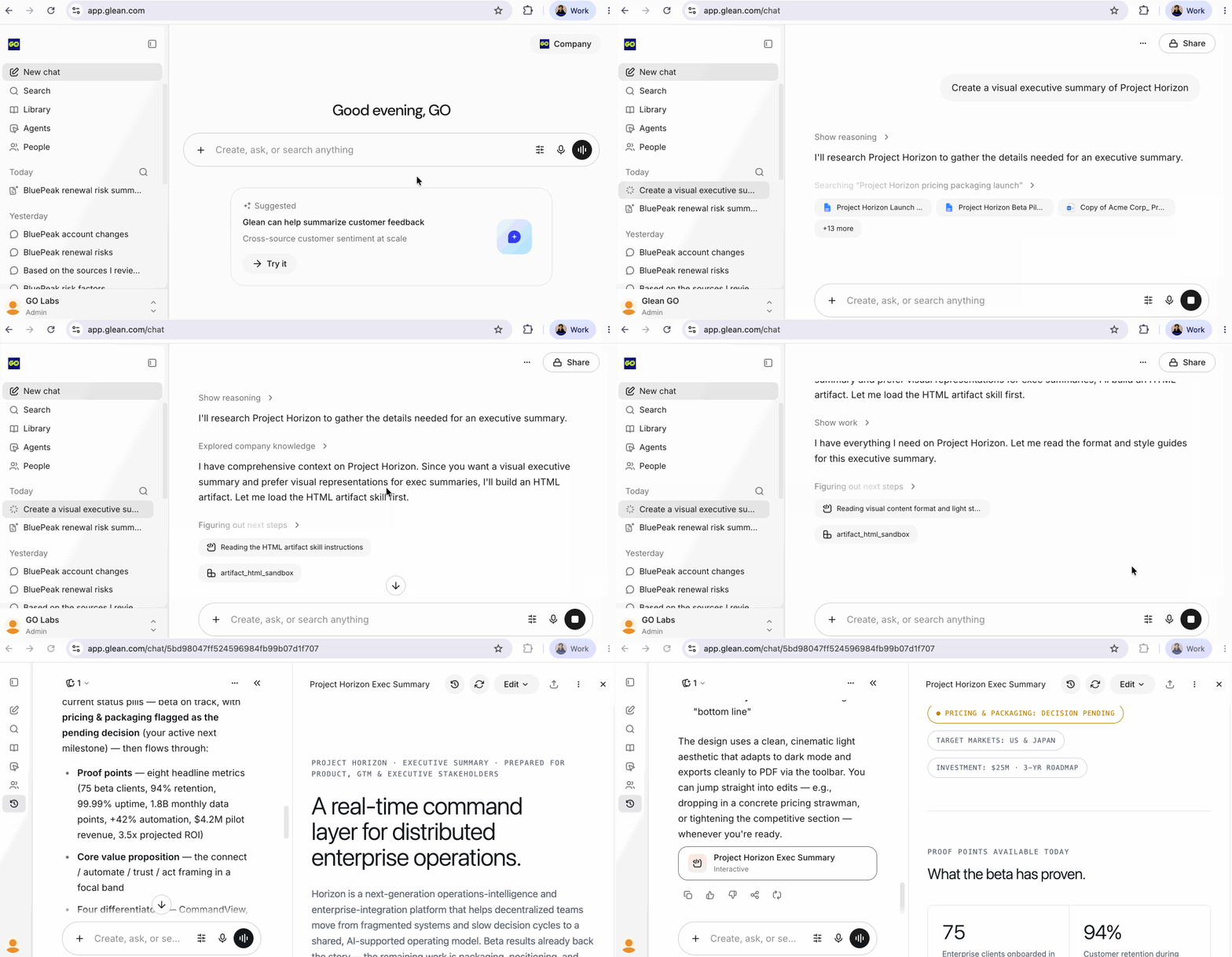
In this hands-on lab, learn how the sidebar, prompt bar, and predictive suggestions work together as your AI-powered command center. Browse Glean's continuously updated roster of AI models — GPT, Claude, Gemini and more — and choose the one you want to work with as you ask Glean to create a visual executive summary of a project in flight and watch it pull from internal knowledge to generate a grounded, structured response.
The moment you land in Glean, you're already working smarter. This is your command center — a single surface where your company's entire knowledge base is one prompt away.
On the Left Sidebar you will find navigation & history
Your recent chats live here for quick recall, alongside nav links to Search, Library, Agents, and People — everything you need to tap into Glean's full power.
Center — The Prompt Input
Just start typing. Ask anything — summarize a doc, draft an email, research a topic, answer a question — all grounded in your company's real knowledge, not generic internet results.
Predictive Task Suggestions
Glean watches what you've been working on and surfaces relevant prompts before you even think to ask — meeting prep, follow-ups, document reviews, and more.
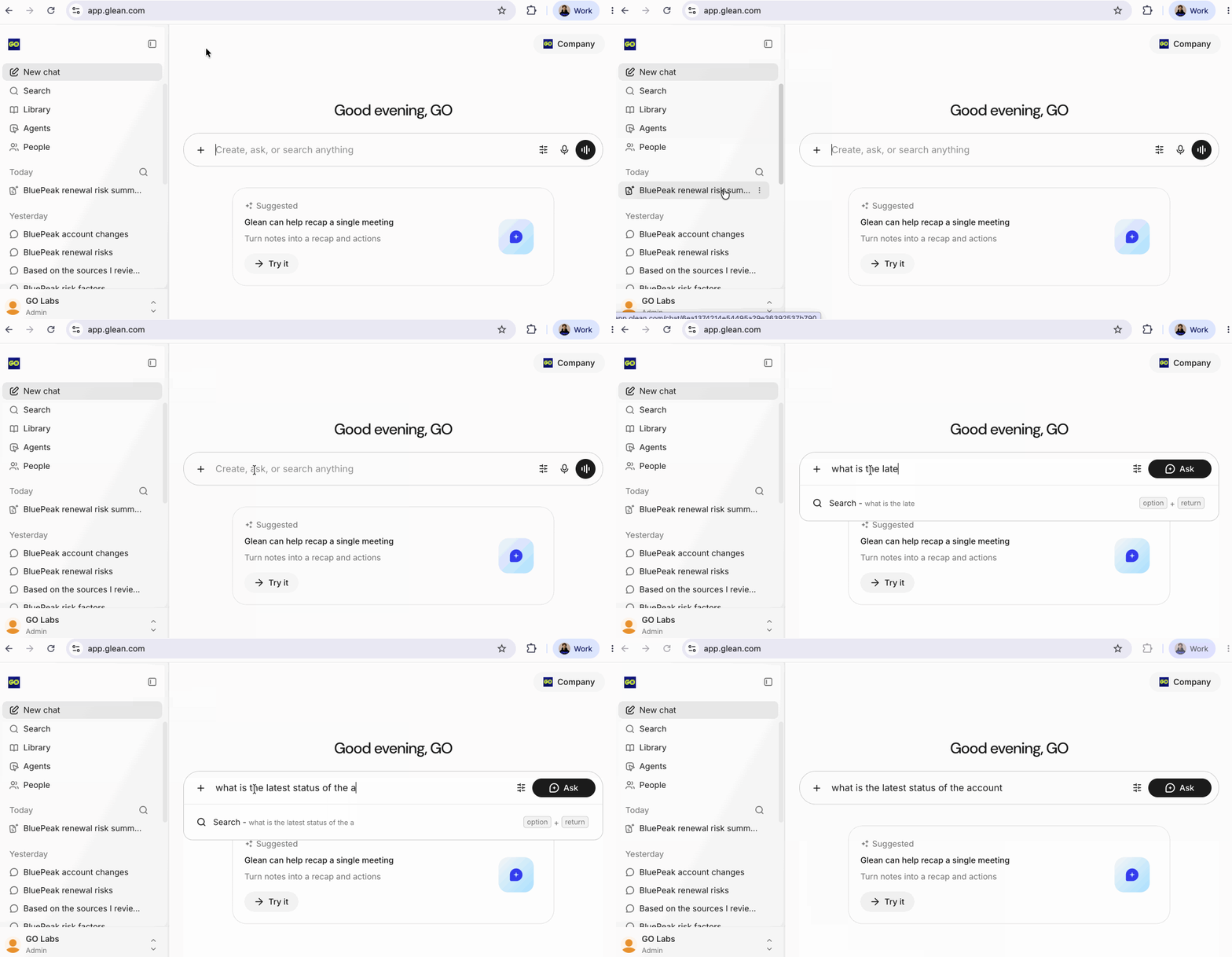
In the prompt input just start typing. Ask anything — summarize a doc, draft an email, research a topic, answer a question — all grounded in your company's real knowledge, not generic internet results.
Click the settings sliders icon next to the Ask button to open Glean's Model Garden, a continuously updated roster of the world's best AI models including GPT, Claude, Gemini and more, and choose the one you want to work with.
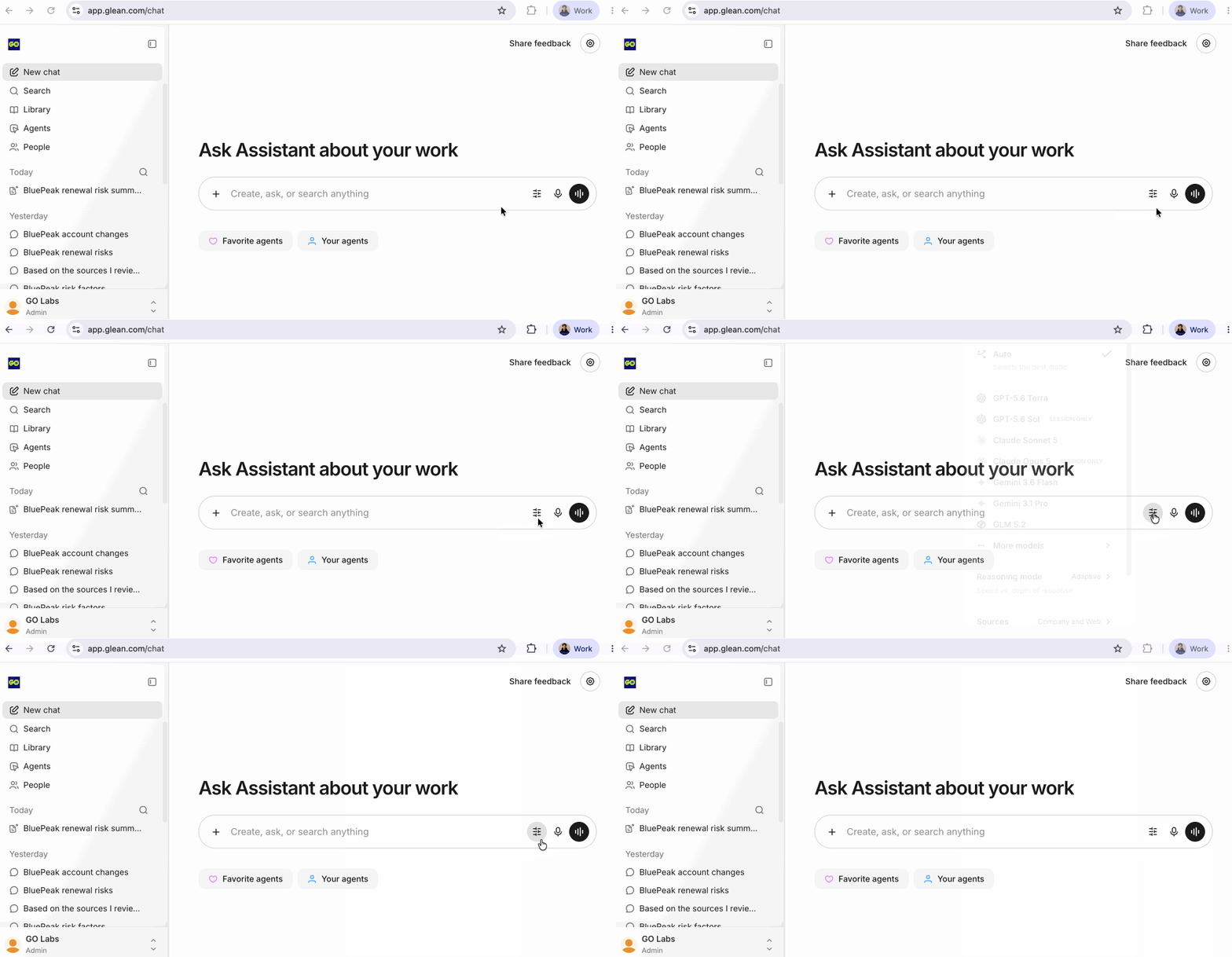
Administrators can filter & control this list in the event that there are models your organization prefers or would prefer not to use.
Type the following into the chat bar and hit Ask:
Create a visual executive summary of Project Horizon