Duration: 2:00
In this module, you will investigate a strategic customer account that may be at risk. Rather than trying to solve the whole problem immediately, you will start with a leadership escalation and explore the account the way a real user would.
You work for Northstar Commerce, a B2B SaaS company that sells SignalOS, an AI-powered merchandising and campaign orchestration platform for enterprise retailers. Your customer is BluePeak Outfitters, a specialty outdoor retailer with 1,200 stores and a growing ecommerce business.
BluePeak renews in 45 days for $1.2M ARR, and leadership believes the account may be slipping. Your goal in this module is to understand the overall state of the account, gather evidence across sources, and form a working hypothesis about what may have changed.
By the end of this section, you should be able to describe the general state of the account, tag the most important sources, and leave with an initial point of view you can refine in the next module.
Duration: 3:00
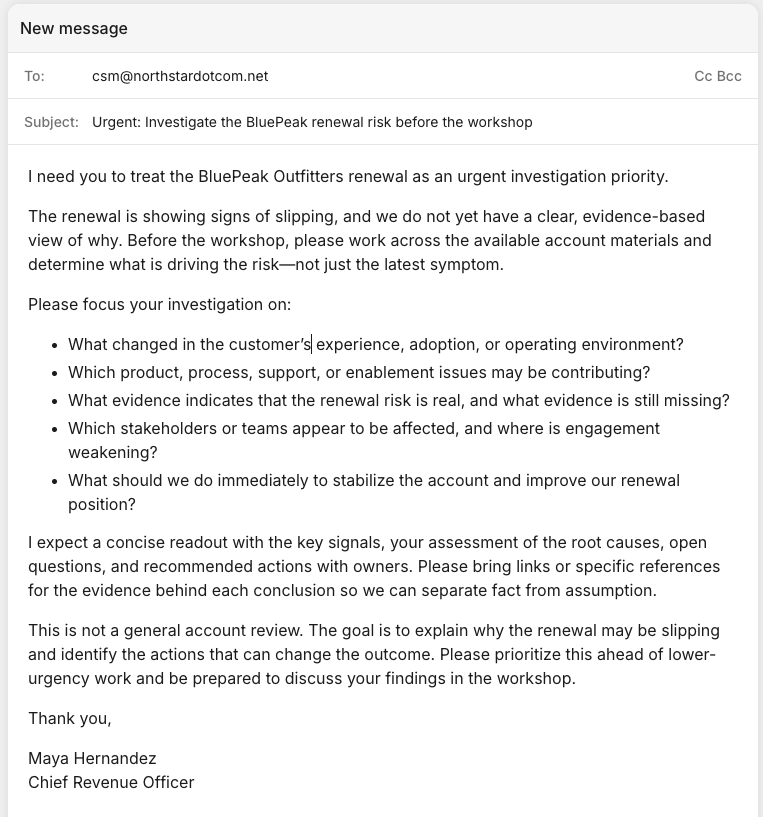
Open the CRO escalation email that introduces the BluePeak scenario.
Read the email carefully and identify the business problem you are being asked to investigate. Focus on the stakes, the timeline, and what leadership needs to understand before Monday.
Duration: 5:00
Access the Glean Assistant
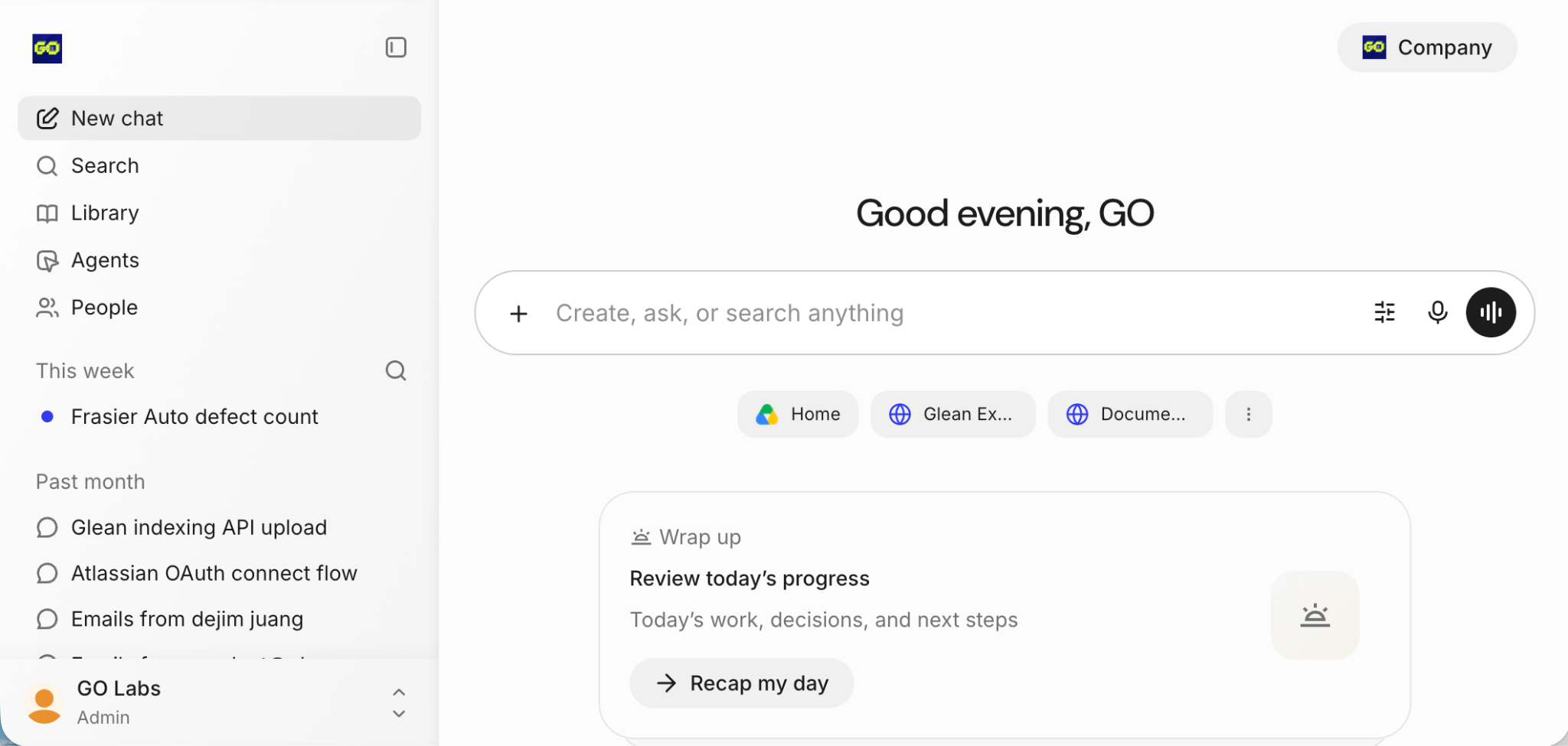
Open Glean and begin investigating the BluePeak account in whatever way feels natural to you. Do not worry about finding the perfect query right away. Start broad.
Try a variety of prompts
Try a variety of prompts and questions, both directed and open ended. There is no wrong way to ask questions in glean but some prompts may result in better results than others.
As you investigate, look for patterns such as signs that the account was healthier in the past, evidence that sentiment may have changed recently, indicators of adoption or rollout problems, and clues that this is more than a routine renewal check-in.
Objective
The goal in this first pass is to understand the overall state of the account and identify where the most important signals may be coming from.
Duration: 5:00
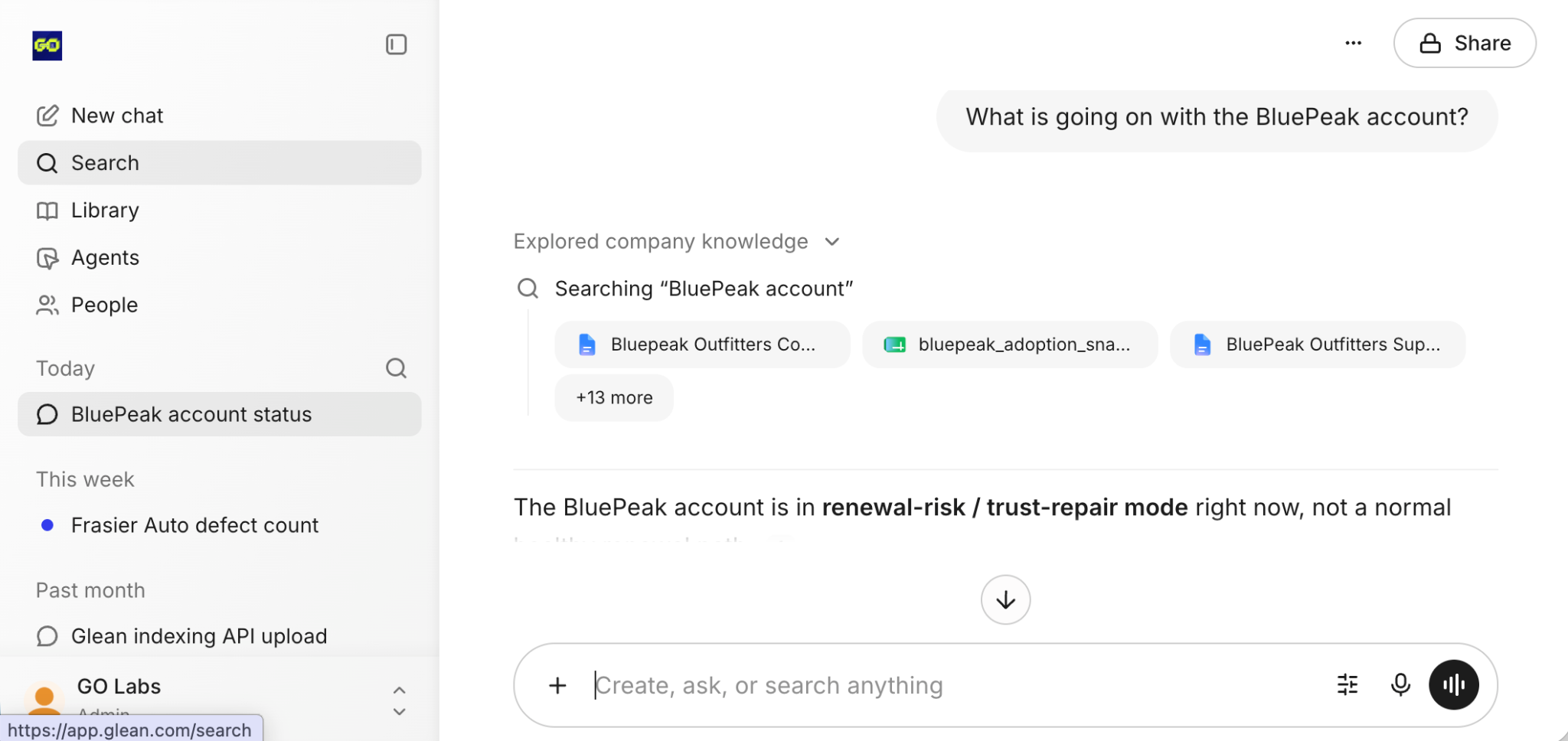
In this section, use both Search and Assistant to investigate the account from two different angles.
Try Glean Search
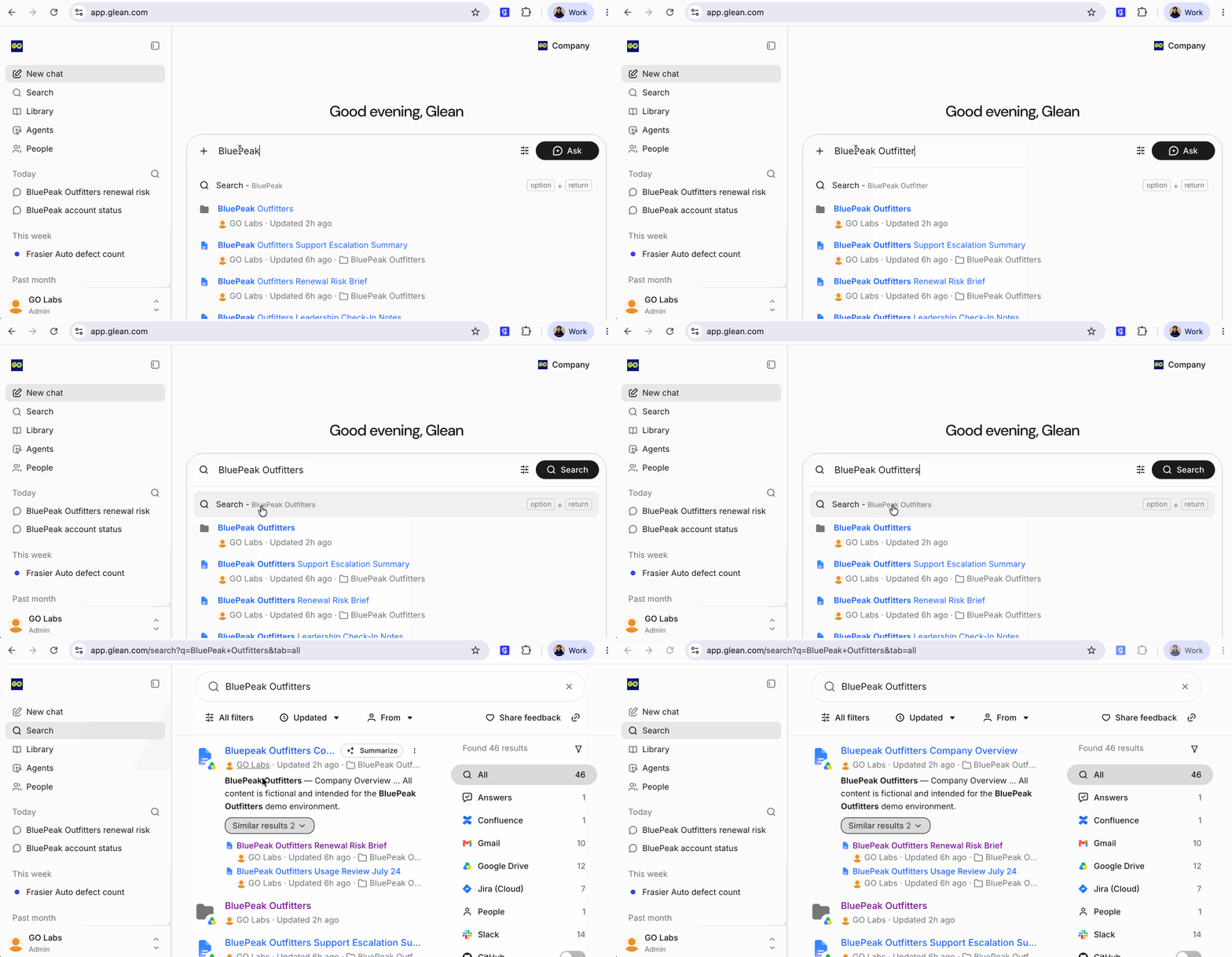
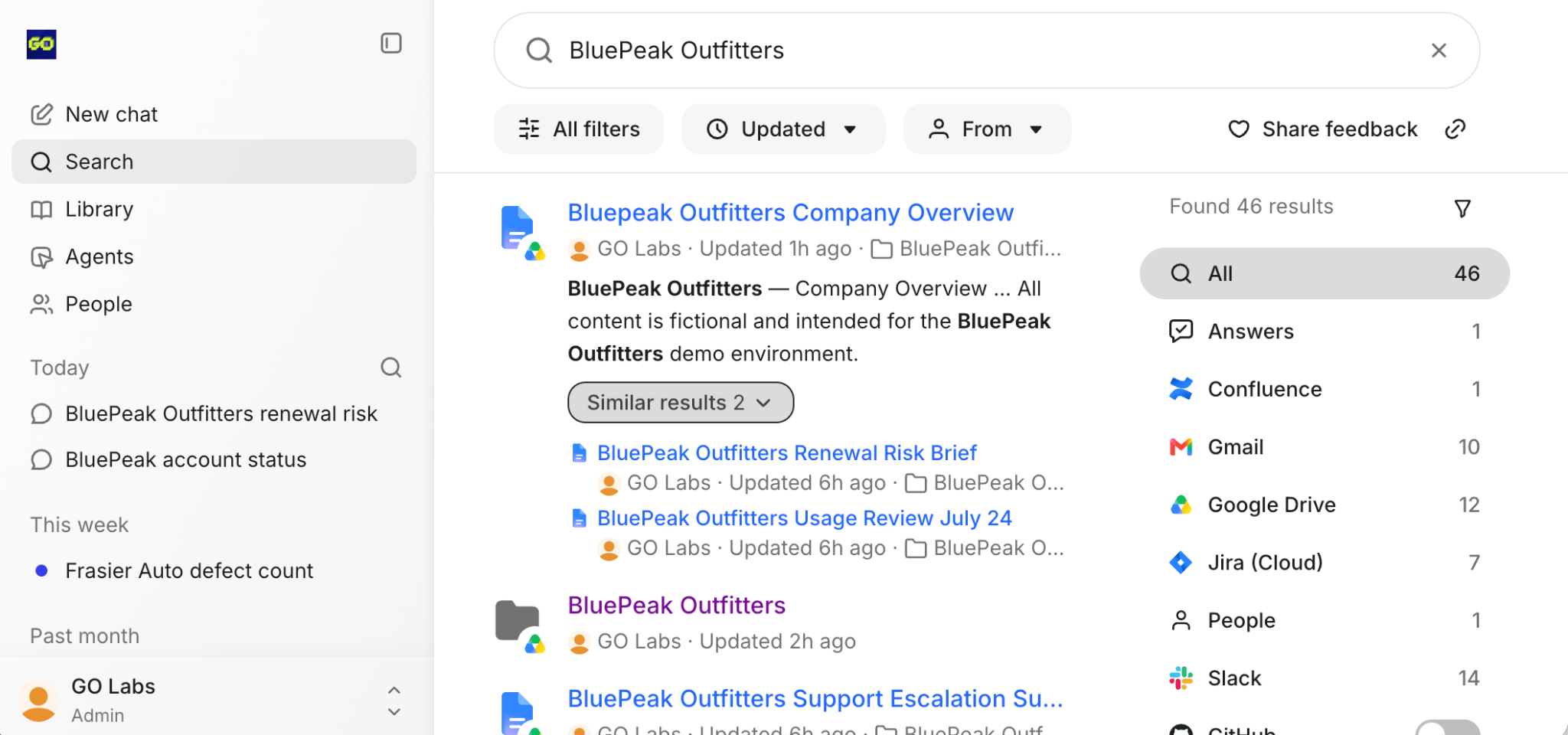
Start with Search to find direct matches for BluePeak-related content. Review the results and notice how Search helps you quickly locate emails, documents, Slack threads, and Jira tickets tied to the account.
Using the Glean Assistant
Next, use Assistant to ask broader questions that require synthesis rather than keyword matching. If you want a starting point, you can begin with one of the following prompts:
- What is going on with the BluePeak account?
- Help me understand the current state of this customer relationship.
- What should I know before talking to leadership about BluePeak?
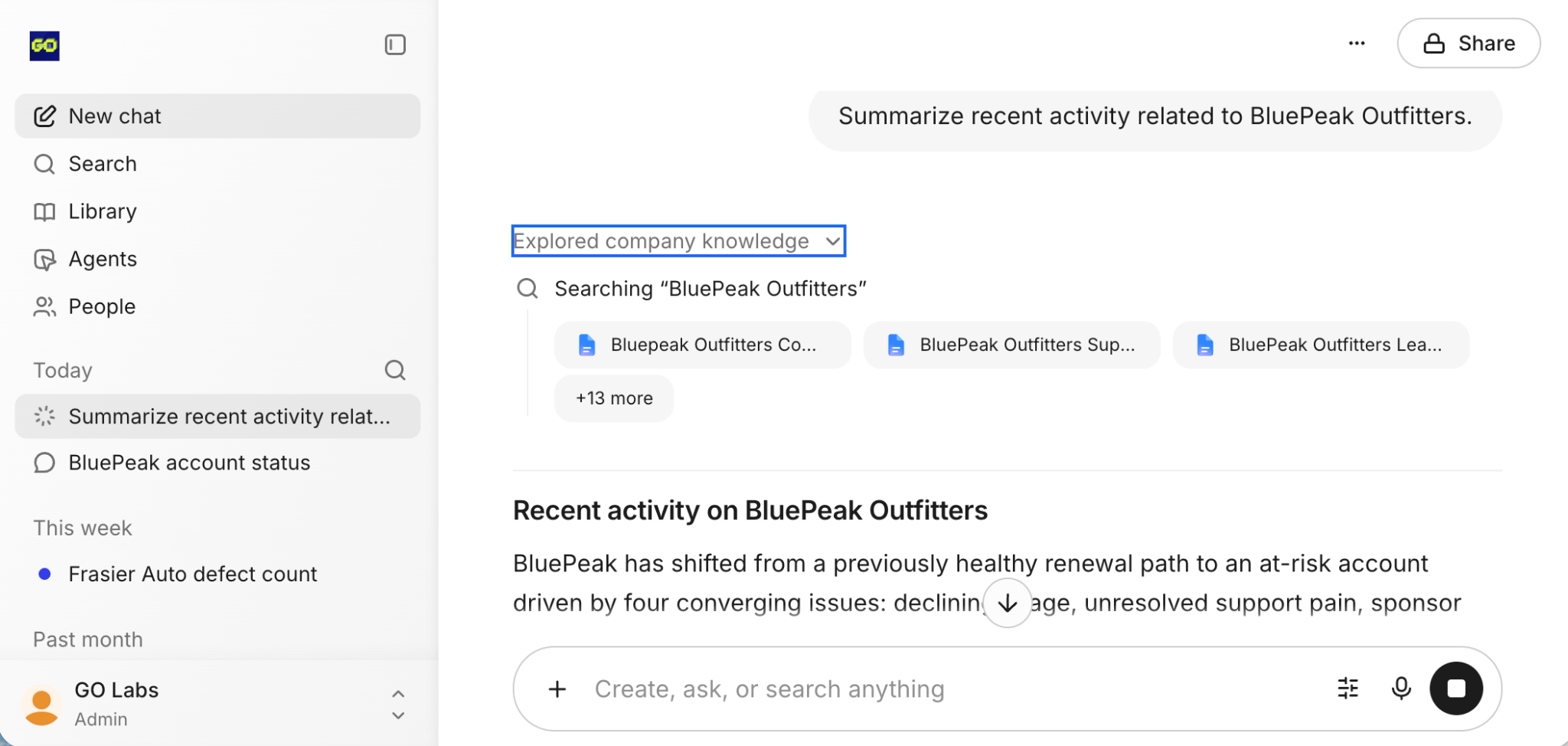
What patterns are emerging across documents, email, Slack, and Jira for BluePeak?
Use the answer as a guide, then inspect the underlying sources. Notice where Search helps you find evidence quickly and where Assistant helps connect signals across systems.
Duration: 6:00
Summarize in Glean Search
Now refine your investigation using several core Glean workflows.
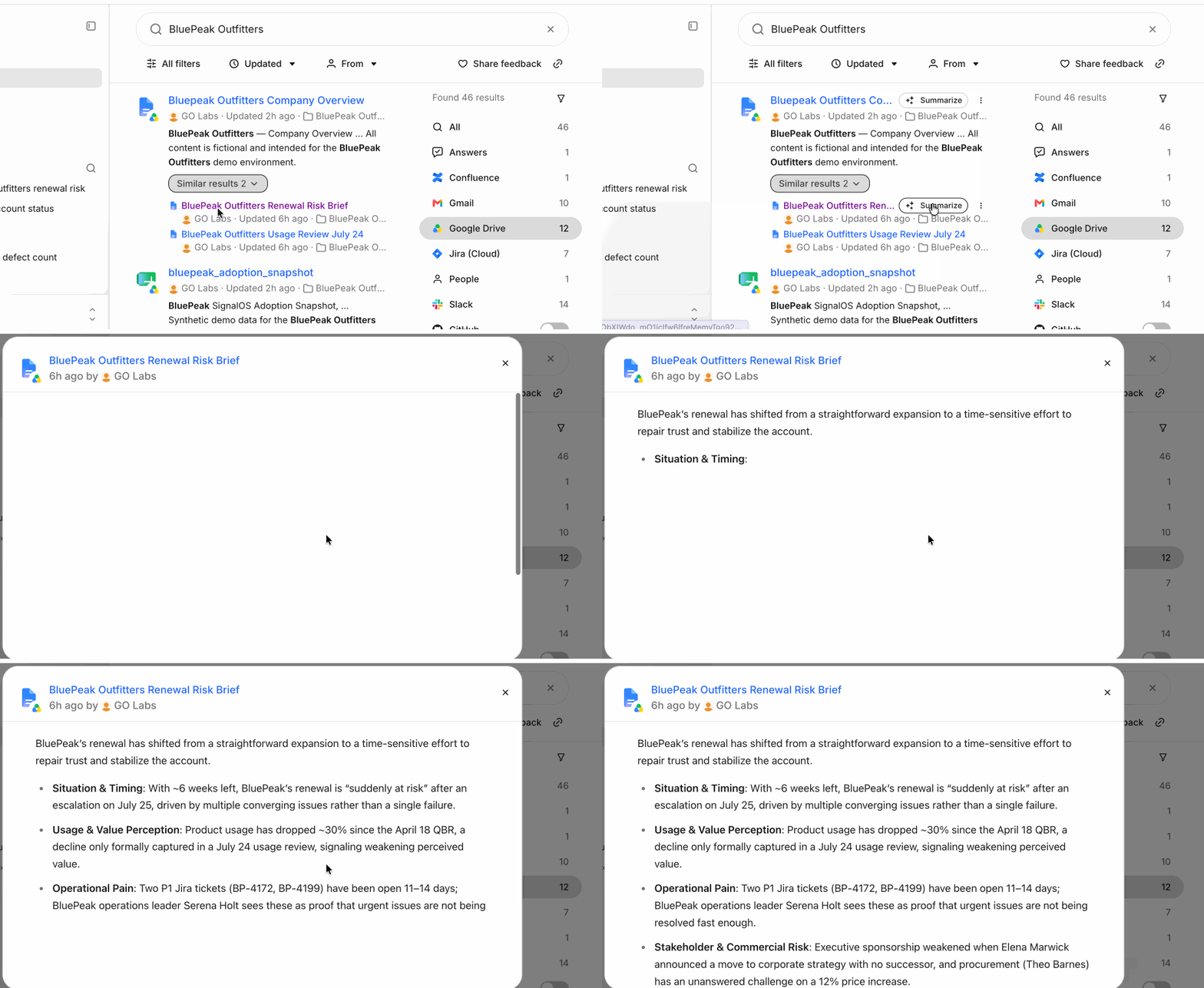
Open one of the key account documents or conversations and use Summarize to quickly understand its contents. Good candidates include the account plan, the customer success plan, the previous healthy QBR, the most recent QBR, or a Slack thread discussing the account.
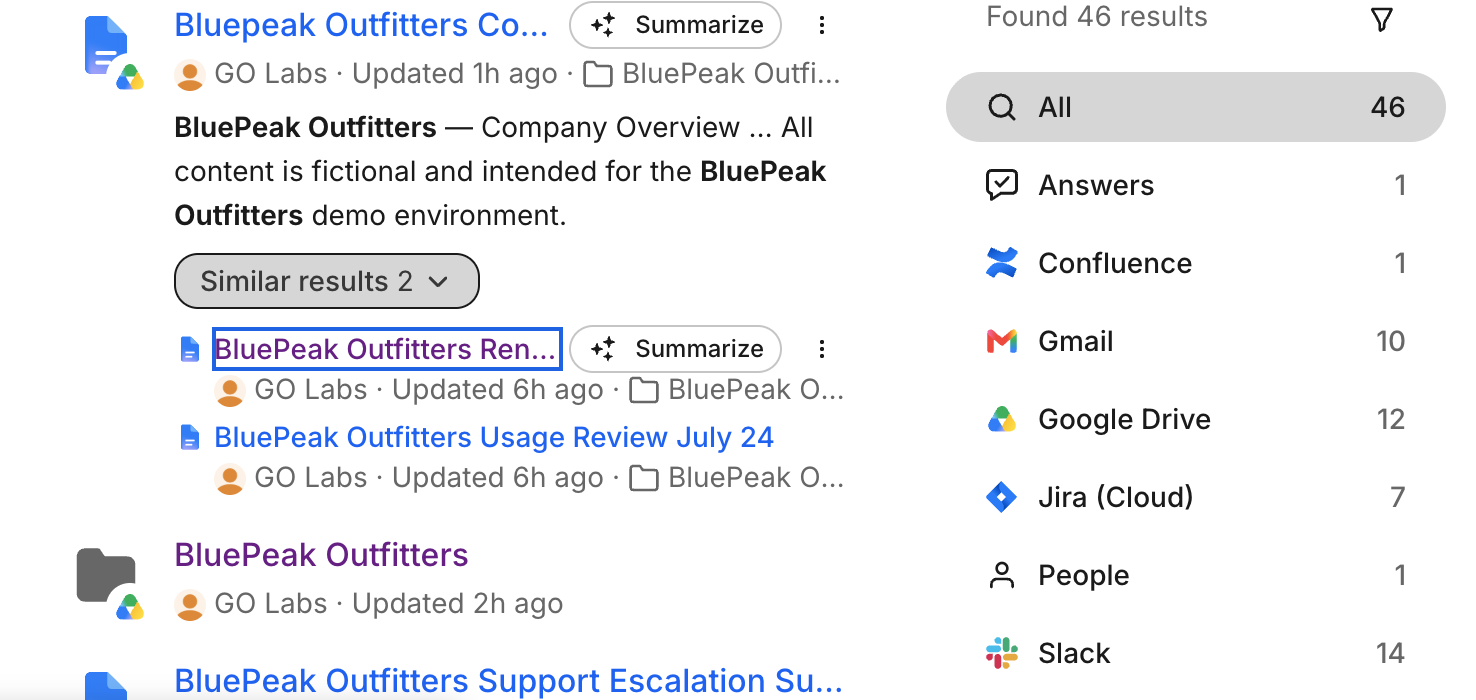
Use summaries to determine what the item is about, whether it reflects a healthy or risky account state, and whether it contains evidence you should revisit later.
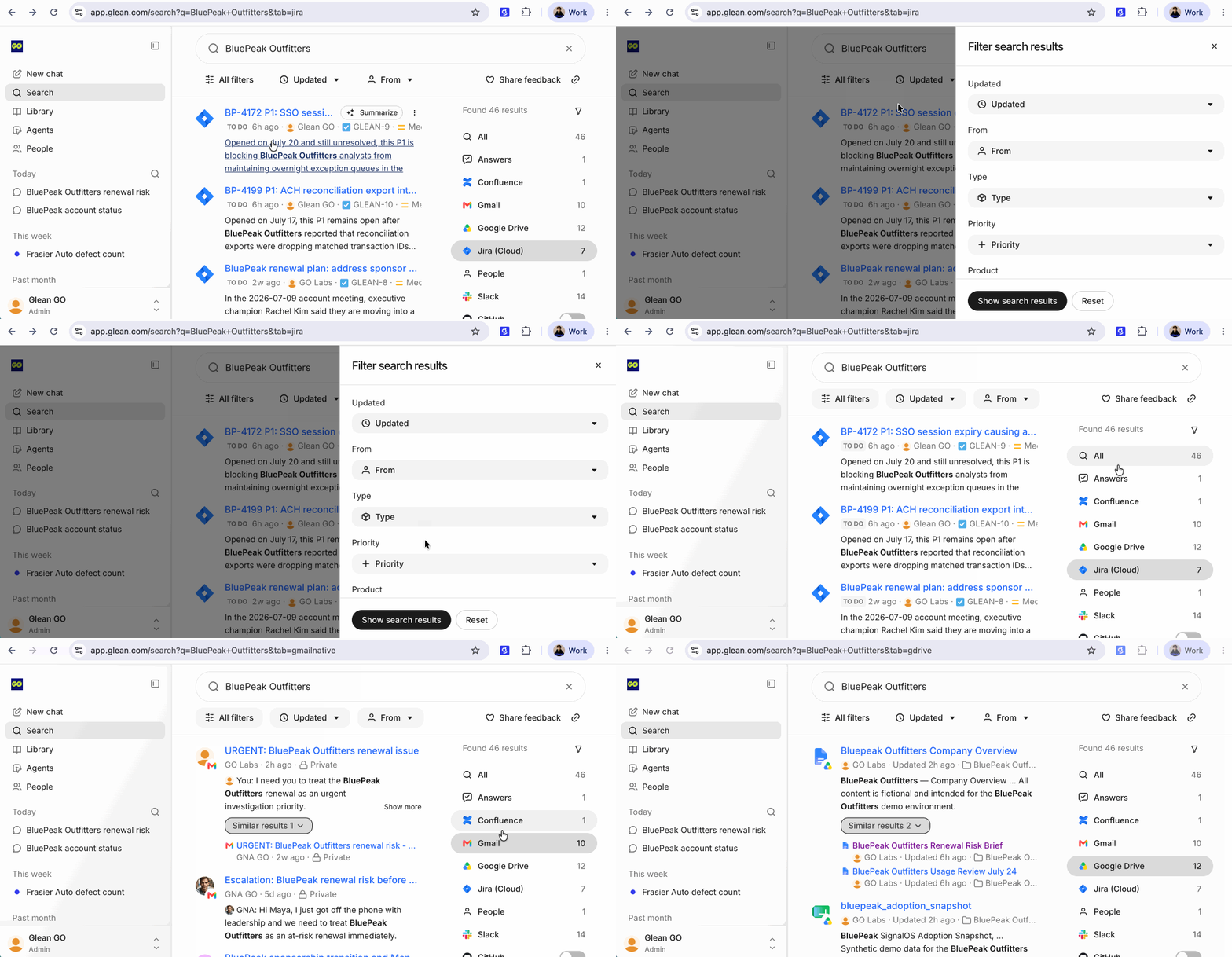
Search Filters
Next, apply filters to narrow your investigation by source so you can compare how the story appears across email, Drive, Slack, and Jira.
Duration: 2:00
At this stage, do not try to finish the diagnosis. Instead, pause and capture your current point of view.
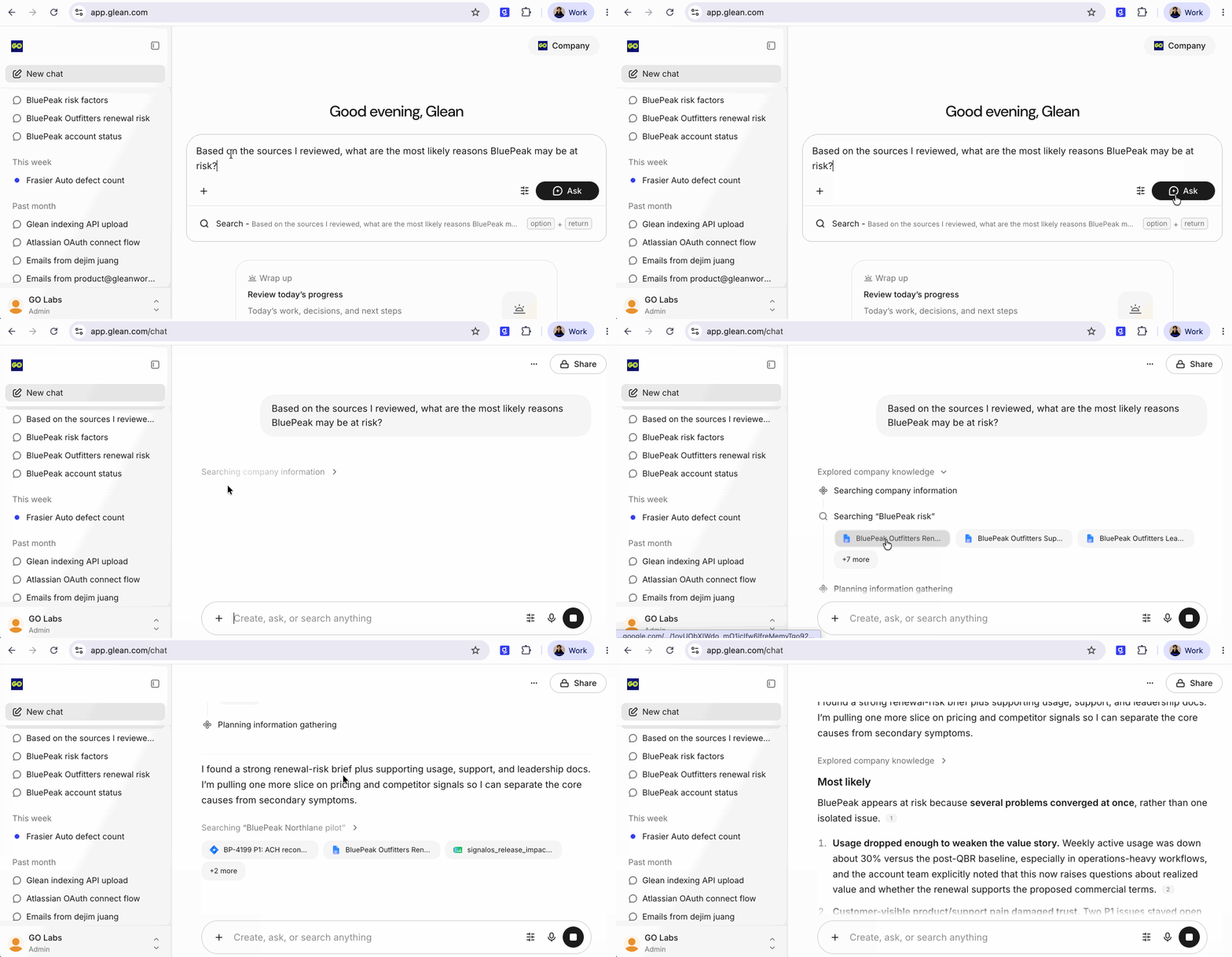
Use Glean to Connect the Dots
If helpful, use a prompt such as:
- Based on the sources I reviewed, what are the most likely reasons BluePeak may be at risk?
Duration: 1:00
In this module, you explored the BluePeak account in an open-ended way, compared signals across connected sources, and organized the strongest evidence with summaries, filters, and tags.
You should now have a broad understanding of the account situation, several tagged sources you can return to, and a working hypothesis you can pressure-test in the next module.